
Mac app · One-time payment
Your Instagram posts, always on brand. You just write.
Colours, type, logo, tone of voice and the things you never say: set them once, and after that they're on everything you make. For people running a business without a designer.
macOS 12+ · Apple silicon Mac · no account, no subscription
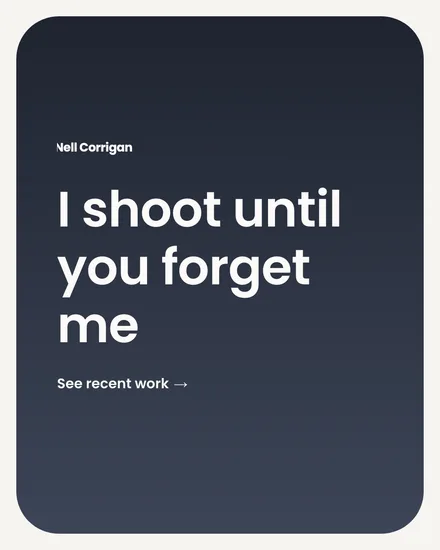
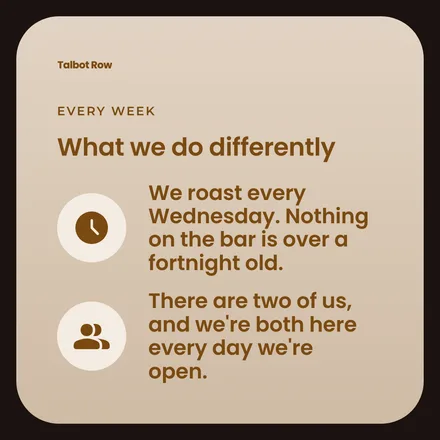
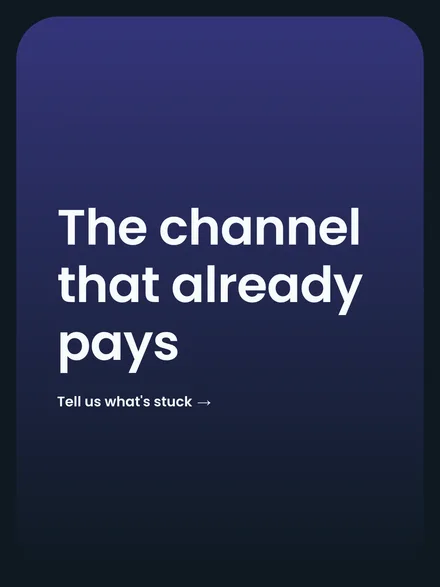
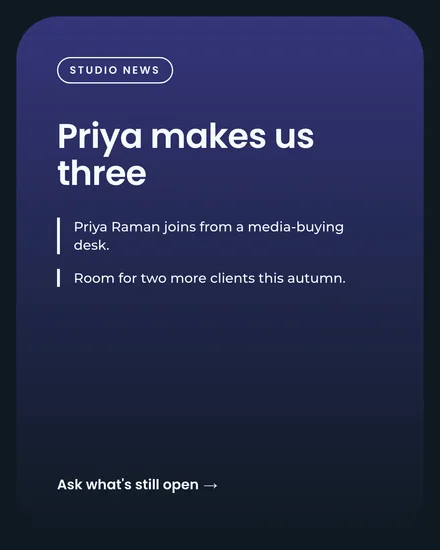
The hard part is already done
Three design decisions. You make them once, and that's that.
-
Your brand, once
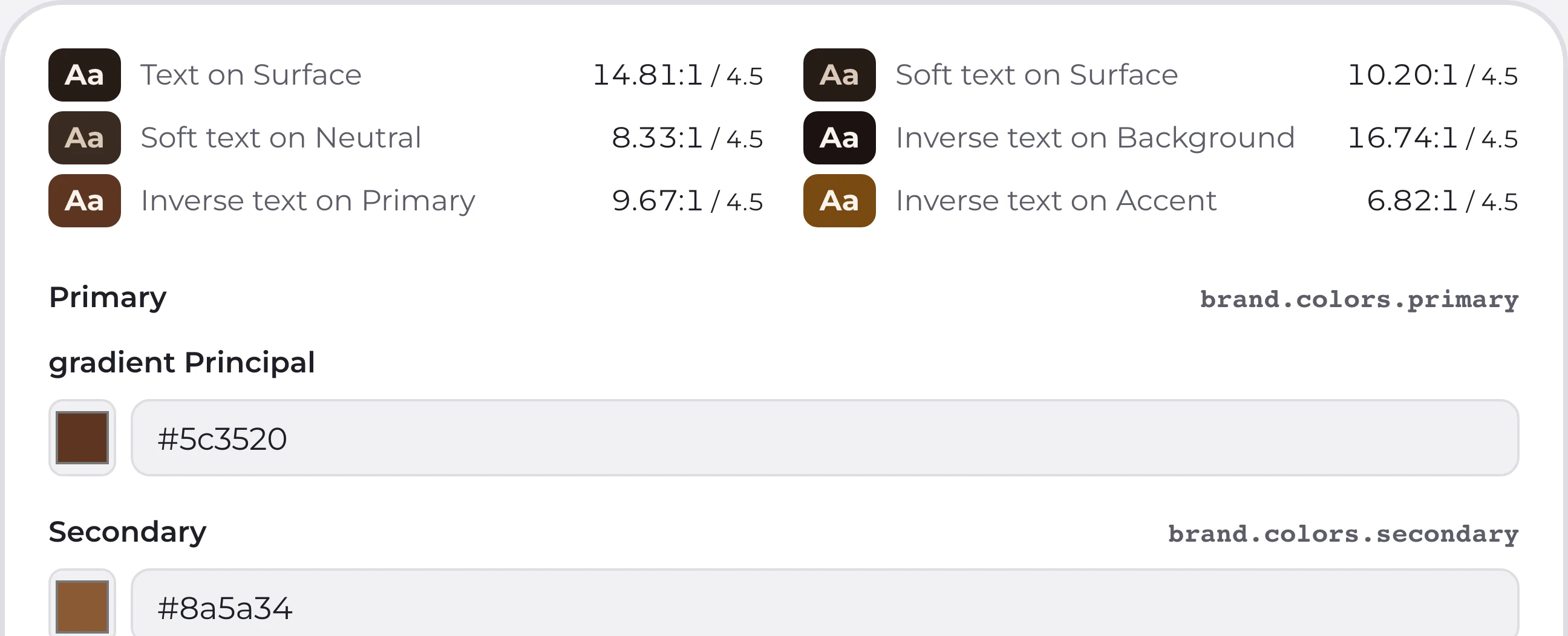
Colours, type and logo go in once, at the start. After that they're not something you decide any more.
- Ten base colours
- 77 typefaces, nothing to install
- Contrast checked as you go
- SVG logo, four variants
- Your own named backgrounds
-
The preview is the file
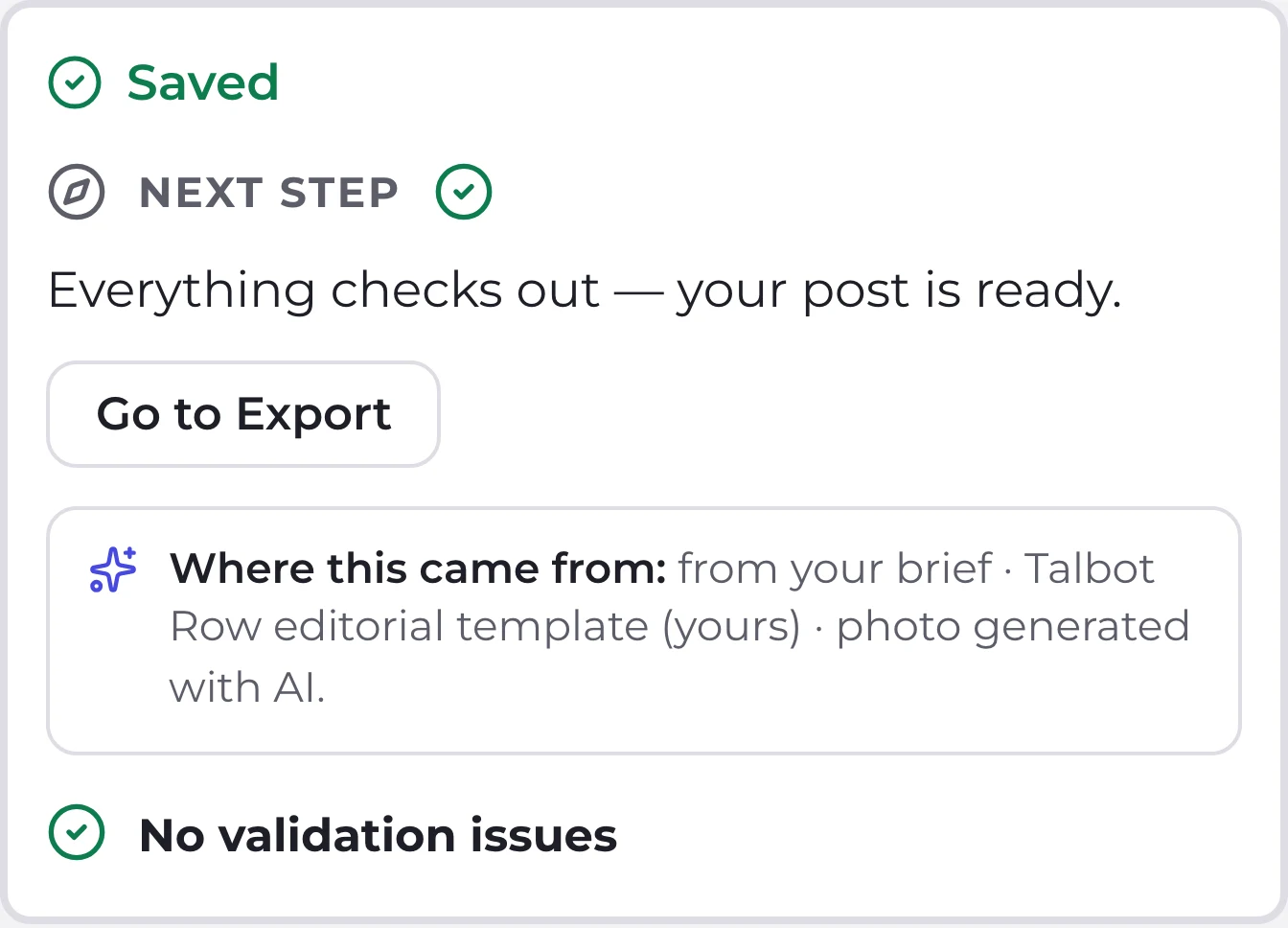
The preview and the final file come from the same code, not from two versions that nearly match.
Every PNG measured at its exact size · no network during capture
-
Five templates, four sizes
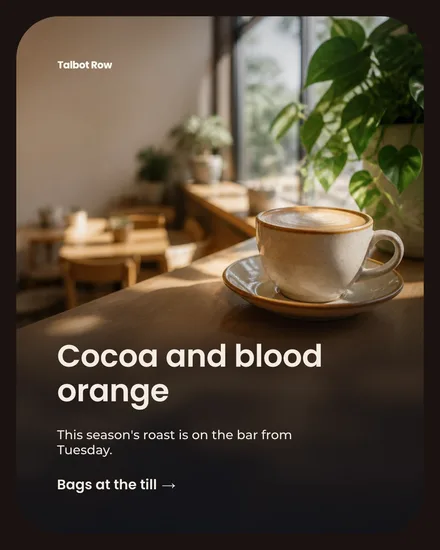
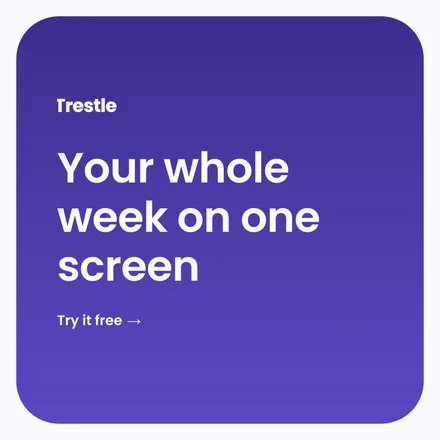
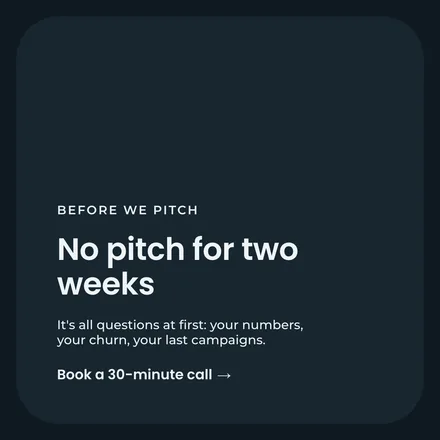
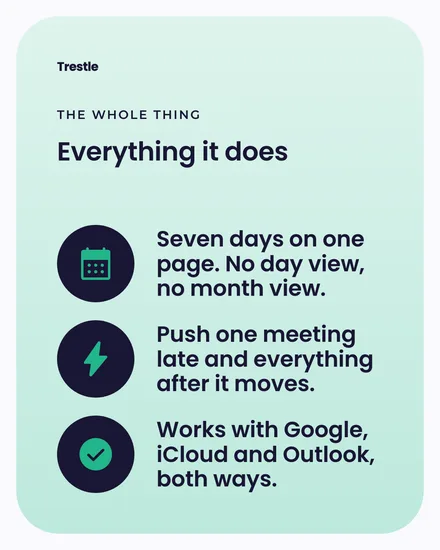
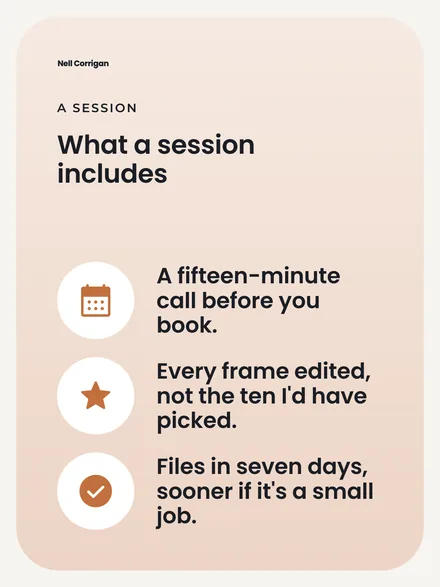
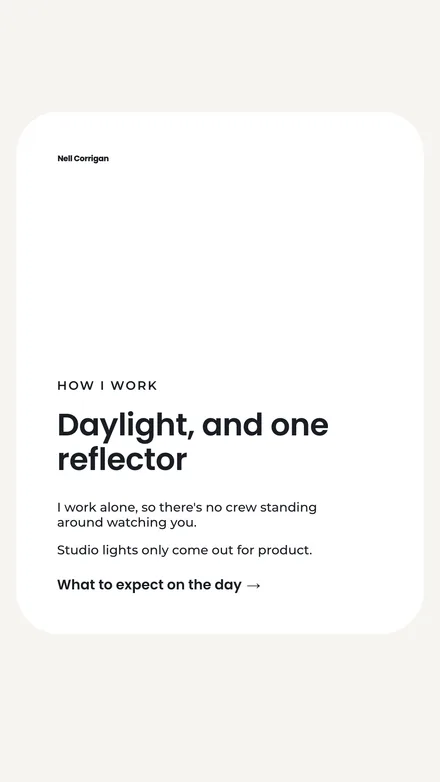
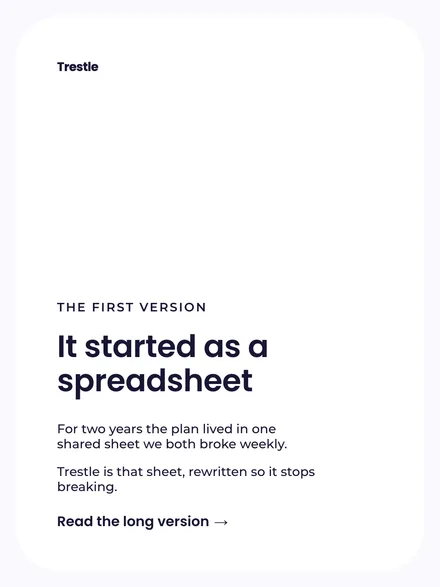
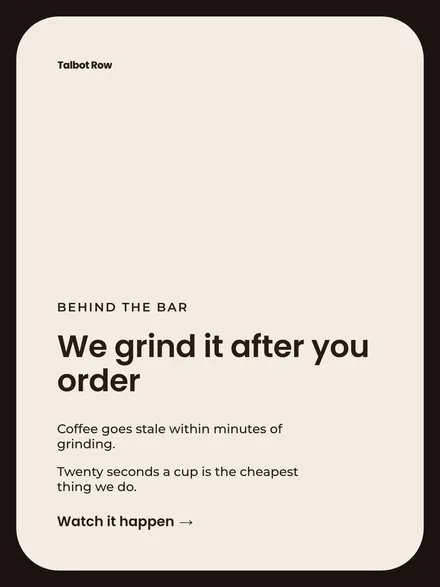
Editorial, big headline, icon list, full-bleed photo, newsletter. All five in all four sizes.
1080×1440 · 1080×1350 · 1080×1080 · 1080×1920 · visual editor for your own


Three steps. The middle one repeats.
From the brief to the finished PNG without switching windows.
-
Describe your brand
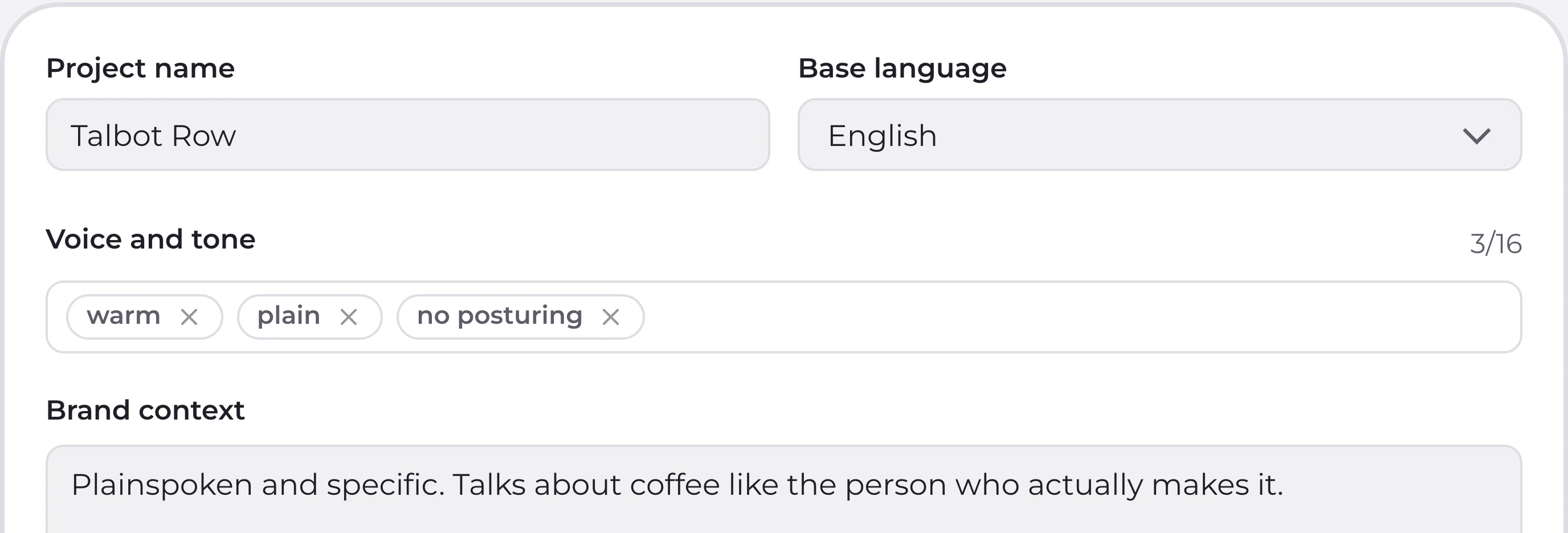
Who you talk to, how you sound, and what you never say. Type it in or paste something you already have.
5 blocks · nothing goes in until you say so
-
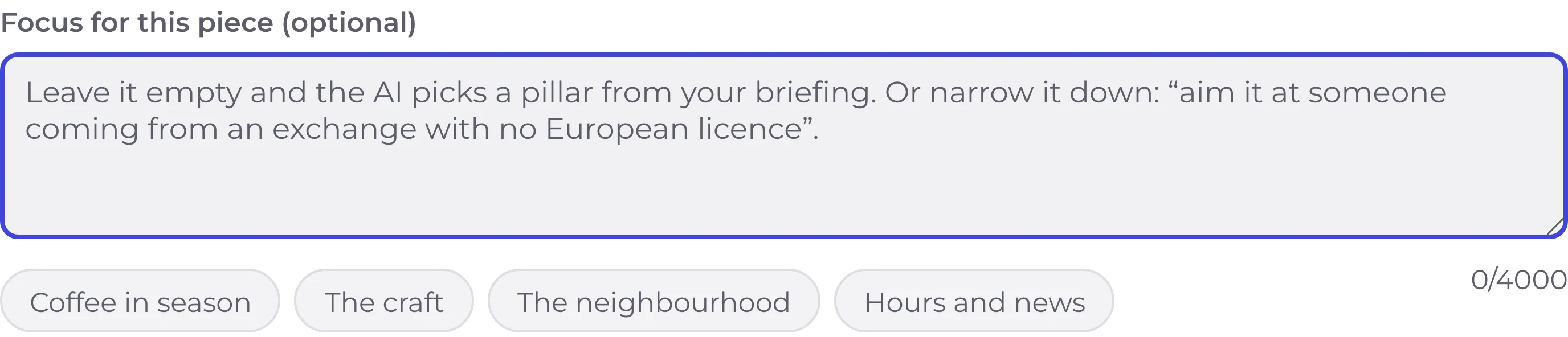
Ask for the post
A one-line request and how many slides. If your brand brief already names the topic, not even that.
up to 4,000 characters · 1 to 10 slides · it tells you which template it picked, and why
-
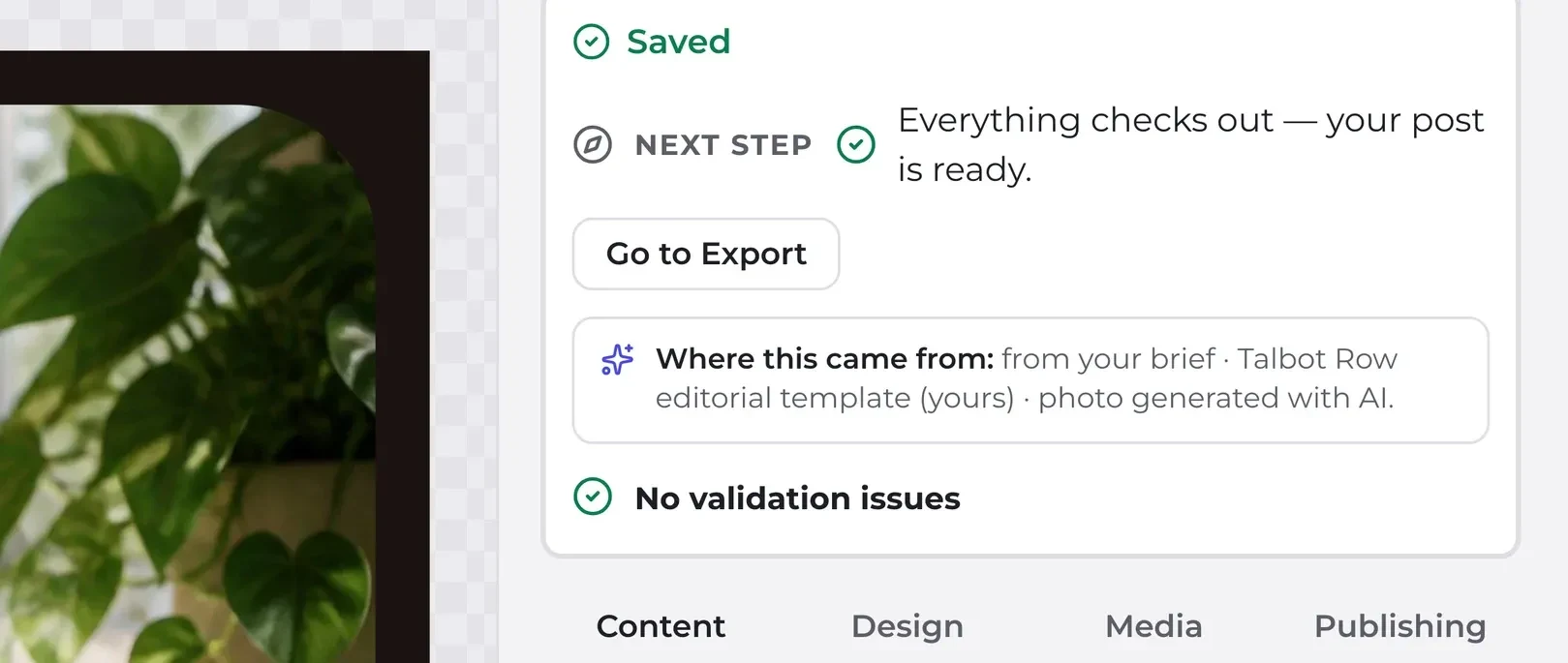
Tweak and export
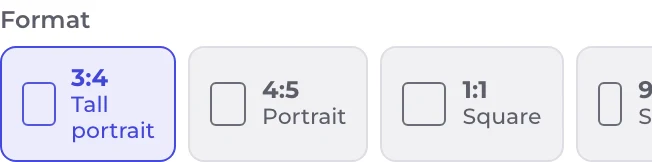
Every field counts down against the template's real limit. When it all fits: PNG, JPEG or ZIP.
80 levels of undo · autosave after 900 ms


✨ Tell the photo what you want
Open the image, ask for a change in plain words, and your ChatGPT edits it. Every version stays; nothing lands in the post until you accept.

- VersionsEvery change starts from the version you're looking at. Go back to any of them and carry on from there.
- Your post on the screenIt spots the phone's screen and fits your post inside, with its perspective and light.
- In plain wordsAsk for the change the way you'd tell a person. No masks, no layers.
- Your own ChatGPTThe edit runs on your subscription. The bar tells you how long you've been waiting.
- The original staysCome back to it in one click, whatever you tried in between.
- Nothing until you acceptThe post keeps its photo until you say this one is the one.
Shown as it happens in the app; the picture stays the same because this is a demonstration.
Before you buy
What you need, what happens on first launch, what it won't do.
What you need
-
A Mac with Apple silicon, M1 or later
Intel Macs won't run it, and Rosetta doesn't help: it translates Intel to ARM, not the other way around -
macOS 12 Monterey or newer
Anything older won't even start -
1.2 GB of disk once installed
One file to download. Everything it needs is inside it -
Your own ChatGPT account
The AI isn't included: you connect it from inside the app and your own subscription pays for it. Connect nothing and it still works, with a local writer whose text you'll want to go over first
The first time you open it
-
Drag it into Applications
One .dmg file: mount it, drag it across, done -
Double-click, like any other app
Signed with an Apple Developer ID and notarized by Apple: macOS opens it with no warnings -
A few seconds to start up
The icon bounces in the Dock while the app starts its internal engine. Normal — it isn't stuck -
No account, no activation
No licence keys, no sign-up: it opens and you work
What it doesn't do
-
No posting or scheduling
You get the files and you upload them yourself. There's no calendar and no queue -
No video, animation or Reels
The «9:16» is a still image -
Instagram sizes only
No LinkedIn, no X, no Pinterest, no web banners -
No accounts, cloud or team
Everything lives on your disk. And you can't upload your own corporate typeface: you pick from the 77 built in
You pay once
No subscription, no account, no renewal email to cancel next year.
What you get
Commercial use of everything you export, clients included, no watermark.
Payment and download go through Gumroad. Your country's tax is added on top, calculated at checkout. The price is in euros and your card converts at its own rate.